
Imagine starting your workday with your emails already organized, important tasks collected in one dashboard, research notes summarized, and routine updates prepared before you even open your laptop. For some professionals, this is no longer a futuristic idea. It is becoming a practical way to manage everyday work.
The difference is not simply who uses artificial intelligence and who does not. It is who knows how to connect AI tools into a useful system.
AI workflow automation in 2026 is changing how freelancers, marketers, small businesses, and office teams handle repetitive responsibilities. Instead of switching between applications and completing every small task manually, users can connect tools to move information, summarize content, and trigger actions automatically.
But there is one important detail: installing an AI application does not automatically make you productive. The real advantage comes from knowing which tasks to automate, which tools to connect, and where human judgment is still necessary.
The Reality Check: Why AI Workflow Automation Matters
Think about how much time a typical professional spends copying information between applications, organizing documents, writing routine emails, preparing reports, and following up on unfinished tasks.
Individually, these activities may take only a few minutes. Repeated throughout the week, however, they can consume a significant part of the working day.
This is where automation becomes valuable. A well-designed workflow can collect information from one application, process it using AI, and send the result to another destination without requiring someone to repeat the same steps.
Businesses in the US, UK, and other major technology markets are exploring AI-assisted processes to improve productivity and manage growing workloads. However, automation does not guarantee better results by itself. Poor instructions, incorrect information, and badly configured connections can create additional problems.
My view is that professionals should not try to automate every responsibility. Start with repetitive, predictable tasks. Keep important decisions, financial approvals, sensitive communications, and final quality checks under human control.
3 Essential AI Workflow Tools You Should Understand
You do not need twenty different subscriptions to begin. A small collection of complementary tools can handle many common productivity tasks.

1. Workspace and Project Management: Notion AI and ClickUp AI
A workspace tool gives your information a central location. Instead of keeping project details in separate documents, messages, and spreadsheets, you can organize tasks, deadlines, notes, and responsibilities in one system.
Notion AI is useful for organizing information, improving documents, working with databases, and summarizing meeting notes. Its AI features can also use information from connected applications where those integrations are enabled. Some advanced capabilities, including AI Meeting Notes, have plan and eligibility requirements. Notion’s official documentation.
ClickUp AI is another option for teams that want project management and AI assistance together. It may suit users who prefer to manage tasks, project updates, and team responsibilities inside a dedicated project-management platform.
My suggestion: Choose one workspace first. Notion can be a comfortable starting point for organizing research and content, while ClickUp is worth considering if your main priority is tracking team projects and tasks.
2. Research and Content Productivity: ChatGPT and Google Gemini
AI assistants can help with research planning, summarizing supplied documents, organizing ideas, drafting outlines, and transforming rough notes into structured content.
For example, a content marketer could ask ChatGPT to turn a collection of research notes into an article outline. They could then request a list of unanswered questions, a comparison table, or a draft social media schedule.
Google Gemini can also assist with research, writing, and tasks within supported Google services, depending on the product and account features available.
The important trick is to use a repeatable process rather than sending random prompts. Give the AI a clear role, provide relevant source material, explain the desired format, and ask it to identify uncertainty instead of inventing missing details.
For example:
Prompt: “Review the research notes below. Extract the five most important findings, identify any conflicting information, and organize the results into a table. Do not add facts that are not supported by the supplied material.”
This approach makes AI assistance more useful, although important facts still need verification.
3. Cross-Platform Automation: Zapier AI
This is where individual AI tools start working together.
Zapier connects supported applications through automated workflows called Zaps. A Zap normally begins with a trigger and then performs one or more actions.
Its AI assistant, Zapier Copilot, can help users describe a workflow in everyday language and build an initial outline of the trigger and actions. Users can then configure, test, and refine the workflow. Zapier’s official guide.
Consider a simple business example:
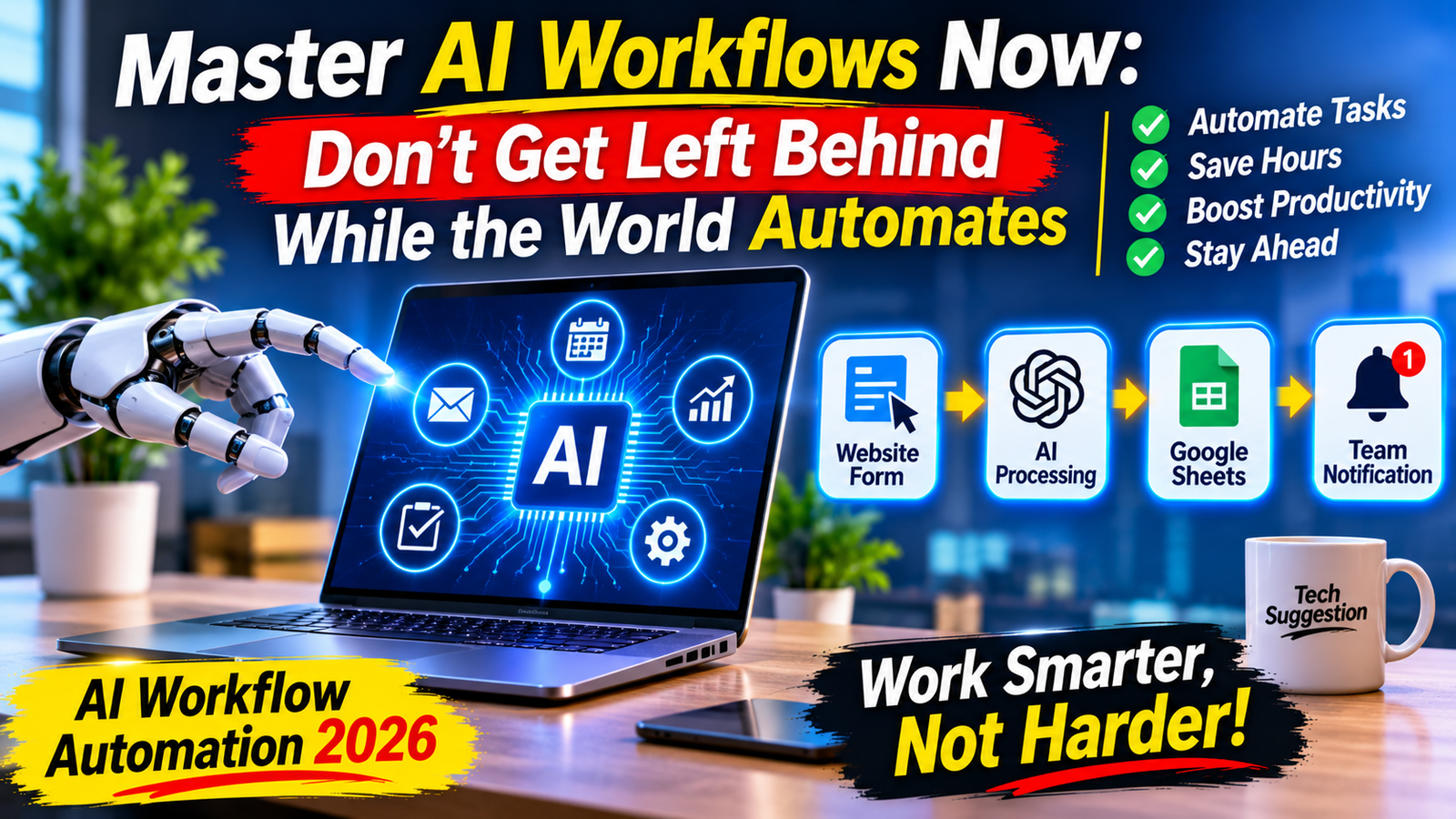
A potential customer submits a website contact form. Zapier detects the submission, sends the message to an AI step for categorization, and records the result in a spreadsheet. A notification can then be sent to the appropriate team member.
Instead of manually copying every inquiry, the system handles the routine transfer of information.
That is the real value of connecting applications: fewer repetitive steps and a more consistent process.
Step-by-Step Blueprint: Build Your First AI Workflow
You do not need programming experience to understand a basic automation. Here is a practical example using a new website inquiry.
Step 1: Choose one repetitive task
Start with something simple, such as collecting customer inquiries from a website form. Avoid beginning with a complicated business process.
Step 2: Select your trigger
Create a trigger in Zapier that starts whenever a new form response arrives. Your form application must be supported and connected to your Zapier account.
Step 3: Add an AI processing step
Connect an available AI action and provide a clear instruction:
“Read this customer inquiry. Identify its main topic, summarize the request in two sentences, and label its urgency as low, medium, or high. Do not invent missing details.”
Step 4: Choose where the result goes
Send the summary and category to a spreadsheet or project-management application. You can also configure a notification for the person responsible for responding.
Step 5: Test before publishing
Submit a sample inquiry and check whether the information reaches the correct destination. Test unusual messages too. Make sure the AI does not misclassify important requests or expose private information.
A basic version can often be configured in around ten minutes if the accounts and integrations are already ready. More complex workflows may take considerably longer.
Mistakes That Can Make AI Automation Less Effective
Automation is not a replacement for thinking. Some common mistakes can reduce its value:
- Automating everything: Start with repetitive tasks rather than sensitive decisions.
- Ignoring accuracy: Check AI-generated summaries, classifications, and research.
- Using too many tools: Multiple subscriptions can increase costs and make workflows harder to manage.
- Forgetting privacy: Do not send confidential customer or business information to an AI service without checking its data policies and your organization’s rules.
- Skipping tests: A workflow that works once may still fail with unusual inputs or missing information.
The best system is not necessarily the most complicated one. It is the one that reliably solves a real problem.
Final Verdict: Adapt Your Workflow Before the Gap Gets Wider
AI workflow automation is becoming an important productivity skill, but learning it does not mean replacing every manual activity with a machine. It means understanding where technology can remove unnecessary work and where human experience remains essential.
Start with one task, choose a suitable tool, build a small workflow, and measure whether it actually saves time or improves consistency. Once that process works, expand gradually.
My Suggestion: Do not spend your first week collecting AI subscriptions. Learn one workspace tool, become comfortable with ChatGPT or Gemini, and build one useful Zapier automation. A reliable workflow that solves a real problem is more valuable than a collection of tools you rarely use.
The future of work will reward people who can combine technology with judgment. You do not need to master everything today—but you should start learning how these systems work before manual processes become your biggest productivity limitation.
[…] Want to Know more:https://techsuggestion.online/ai-workflow-automation-2026/ […]